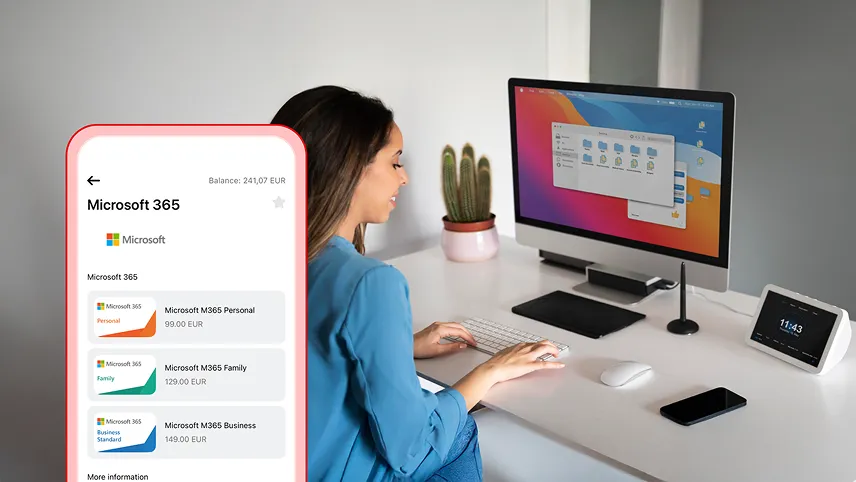
The Aircash app lets me purchase Microsoft 365 codes for Personal, Family, or Business Standard subscriptions – with no extra costs or registration. Everything I need is on my phone, and the activation code arrives immediately after purchase.
No fees, no unnecessary steps
I can buy a subscription using funds from my Aircash account. If my Aircash balance is low, I can top it up with a card, Google Pay, Apple Pay, or cash at Aircash partner retail locations, without fees.
Which Microsoft 365 plan to choose?
Personal – ideal for one person. Includes Word, Excel, PowerPoint, Outlook, and OneNote for use on any device, at home or on the go.
Family – for the whole household, up to six people. Each person gets their own apps and storage, accessible anywhere.
Business Standard – for small and medium-sized businesses. Includes office apps, professional email, 1 TB of cloud storage, and tools for collaboration and security.
How to buy a Microsoft 365 subscription
In the app, I open the Marketplace and select Microsoft 365. I choose the desired plan and confirm the payment. A code appears on screen and is ready to use instantly.
How to activate a Microsoft 365 code
On my Microsoft account, I enter the code I received after purchase and follow the on-screen steps.
Each code can be redeemed once, has no expiry date, and no service fees. I keep it stored safely for future use.