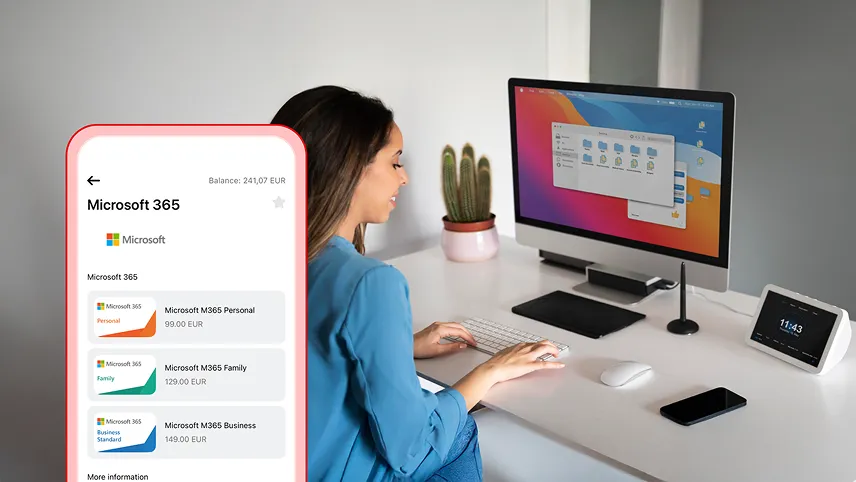
Buy a Microsoft 365 code for Personal, Family or Business Standard subscription directly in the Aircash app. No extra costs, no registration. Your activation code is available instantly.
No fees, no unnecessary steps
Pay using your Aircash account, with no additional fees. Top up your account by card, Google Pay, Apple Pay, bank transfer, or cash at Aircash partner locations.
Which plan is right for you?
Personal is ideal for one person. Word, Excel, PowerPoint, Outlook, and OneNote on any device.
Family includes up to 6 people, each with their own apps and storage.
Business Standard is intended for small and medium-sized businesses, with office apps, professional email, 1 TB of cloud storage, and collaboration tools.
How to buy a Microsoft 365 subscription
In the app, I open the Marketplace and select Microsoft 365. I choose the desired plan and confirm the payment. A code appears on screen and is ready to use instantly.
How to buy
Open “Marketplace”, under “Vouchers”, select “Microsoft 365”, select a plan and confirm payment. The code will appear on the screen, ready to use.
How to activate the code
Enter the code in your Microsoft account and follow the on-screen instructions. The one-time code has no expiration date. Keep it safe.