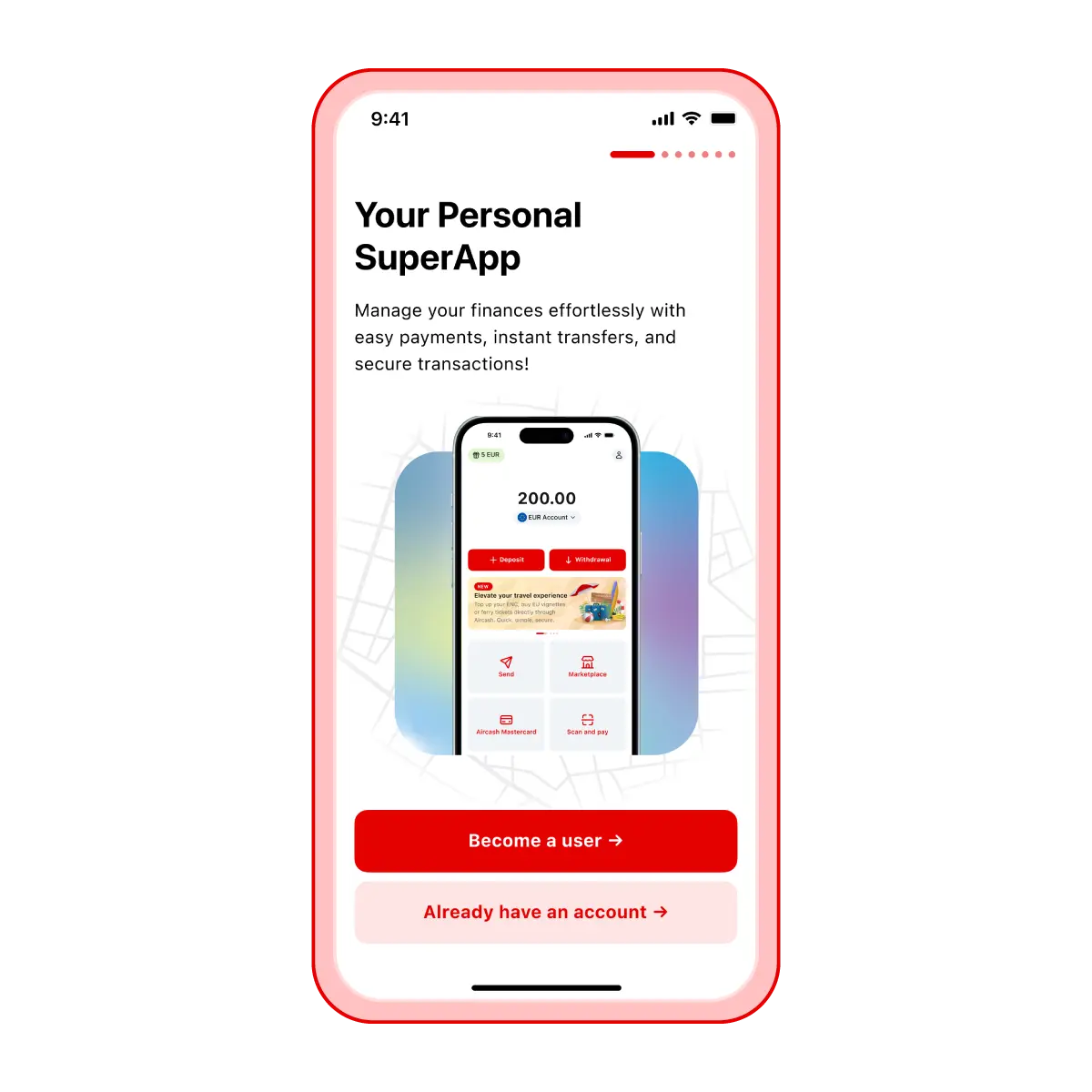
Install the Aircash app
Dowload the app for free on your device and open it
Select "Become a user"
Allow notifications so we can keep you update on new features and promotions
Aircash is available for download in all app stores
Apple Store | Google Play | Huawei App Gallery
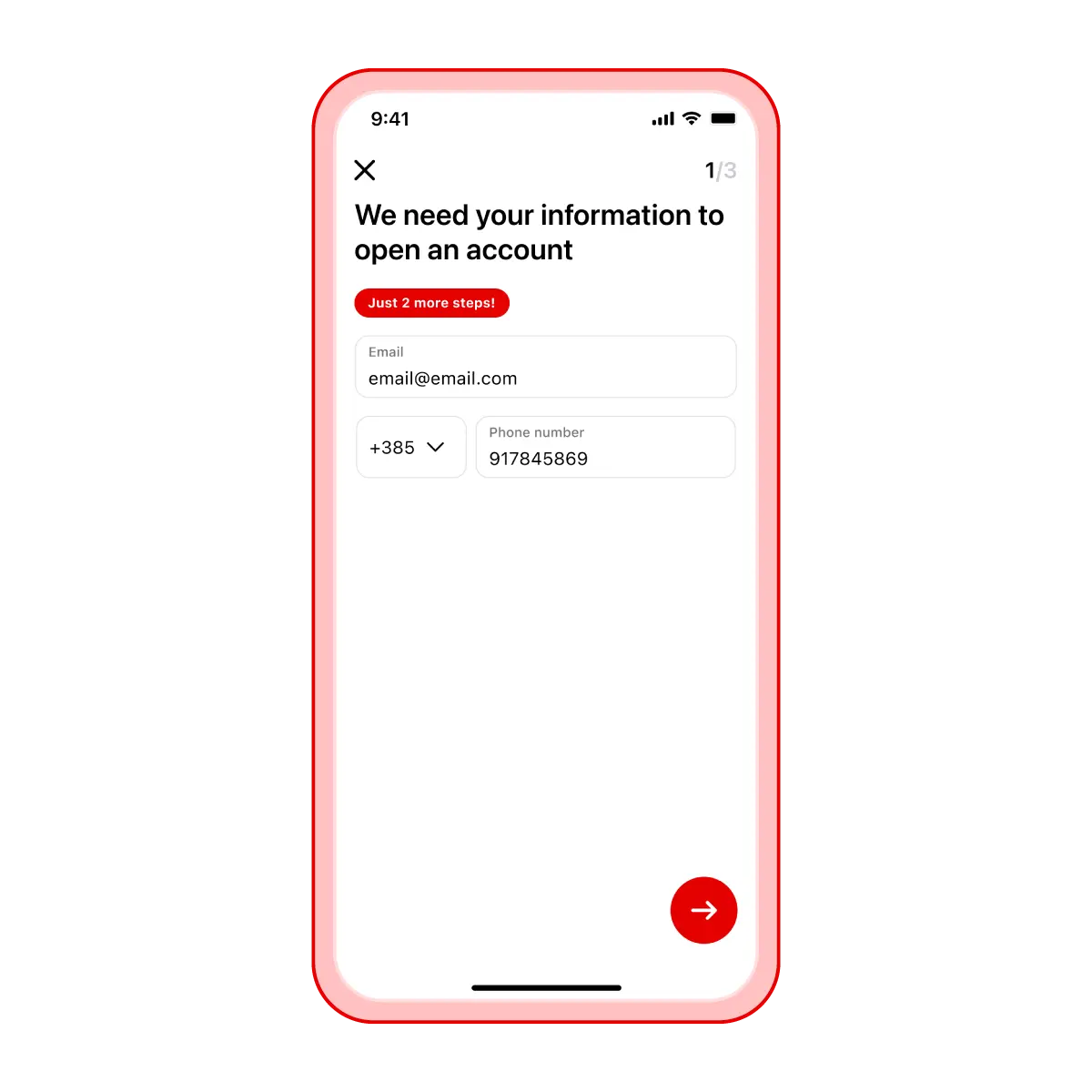
Enter your details
Provide your email address and mobile number
Confirm your mobile number or email using the code
Enter the code sent by SMS to the mobile number you entered in the previous step
Set a PIN for login to protect your account
Please note
If you reinstall the app, make sure to enter the same mobile number or email address you used before.
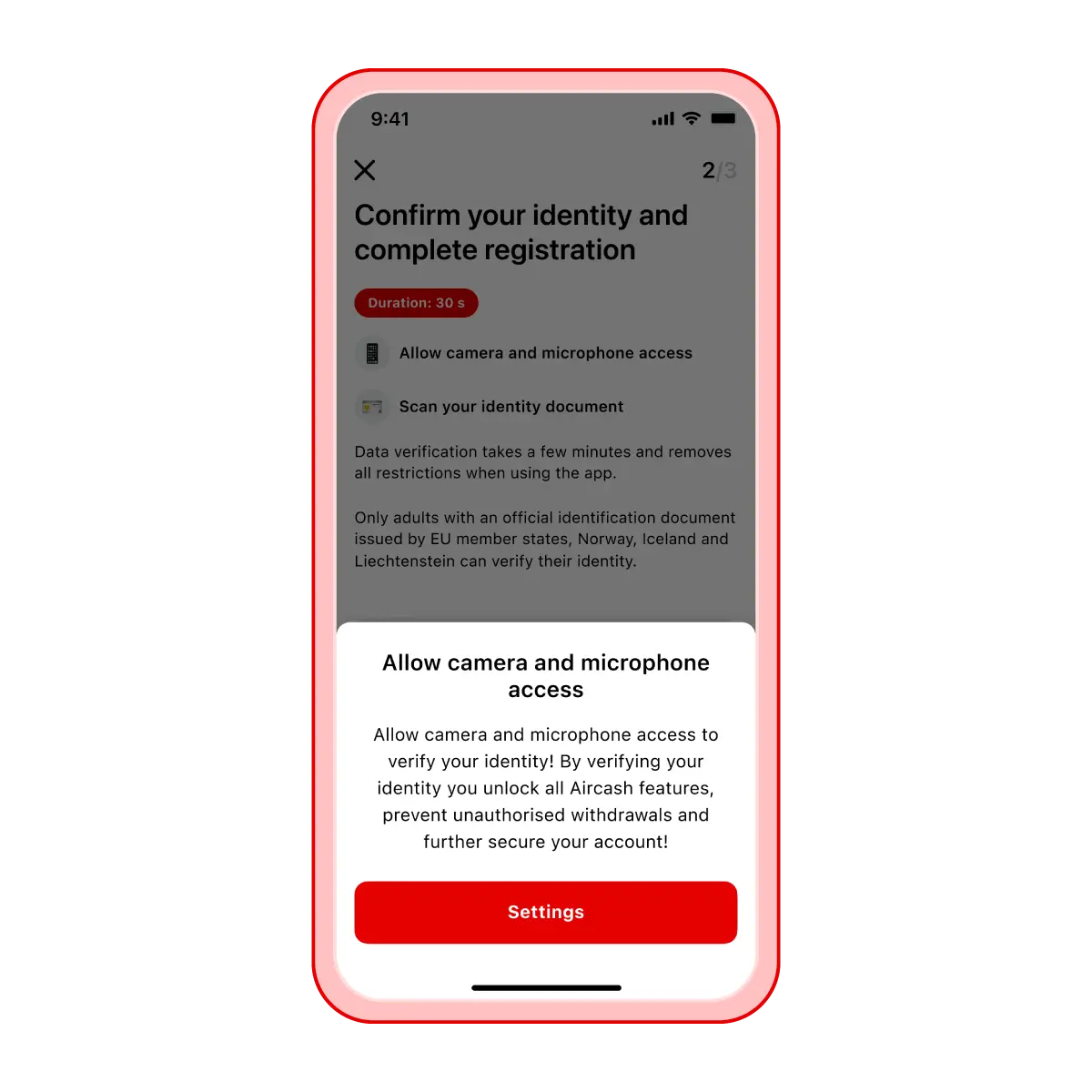
Allow the Aircash app to access your camera and microphone
Access to your phone’s camera and microphone is required because you’ll need to record your ID document and verify your identity in the next step. When a notification appears on your screen, simply select Allow and continue with the process.
Take photos of your ID document
You can activate your user profile using an ID card, passport, or residence permit.
Select your country and the type of ID
Take a photo of the front of your ID
Take a photo of the back of your ID
Please note
Check that all information on the photo is legible and that your face on the document is visible, with no glare or reflections.
Record a video to verify your identity
Follow the on-screen instructions to record a short video confirming your identity
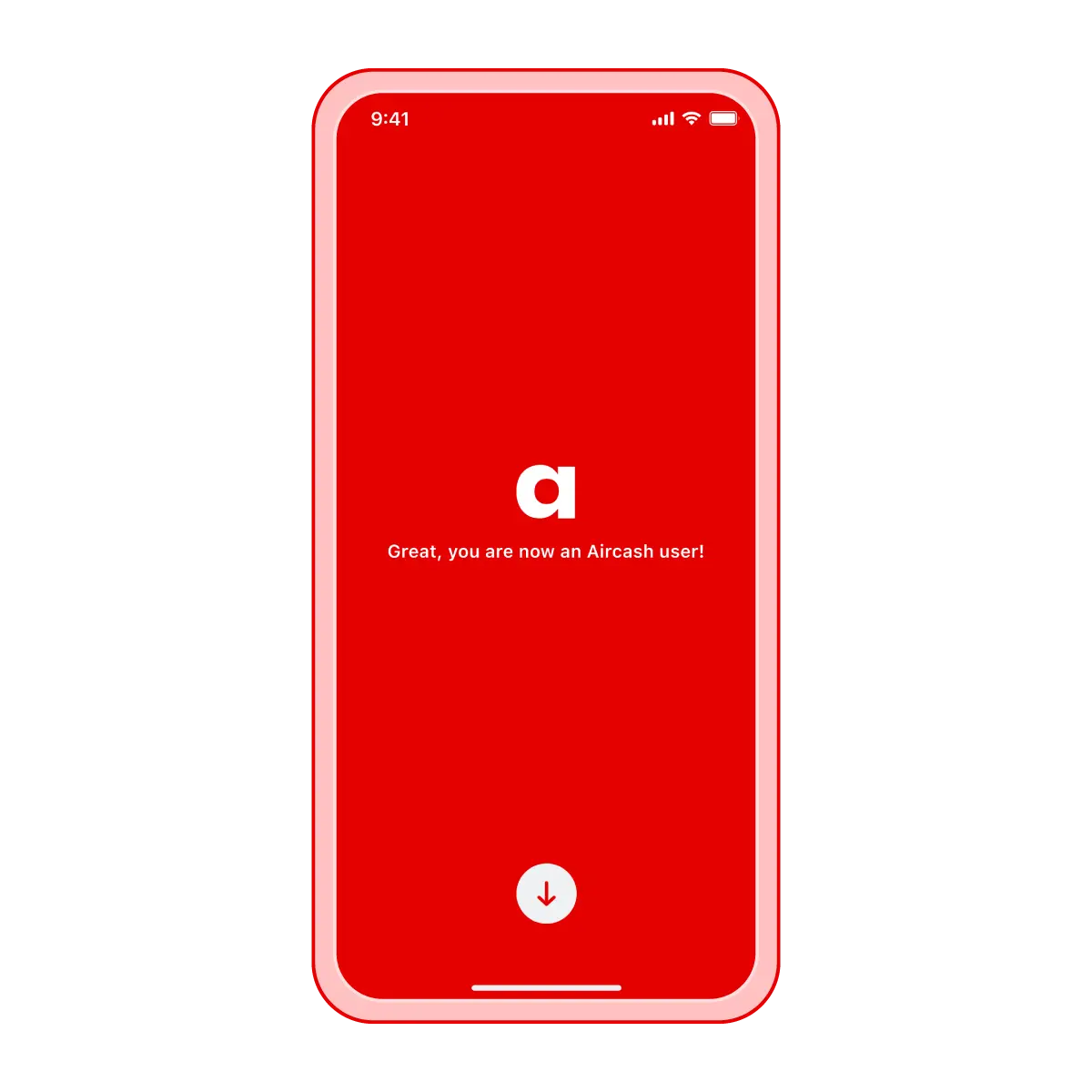
Complete the registration process
Your identity will be verified as soon as possible