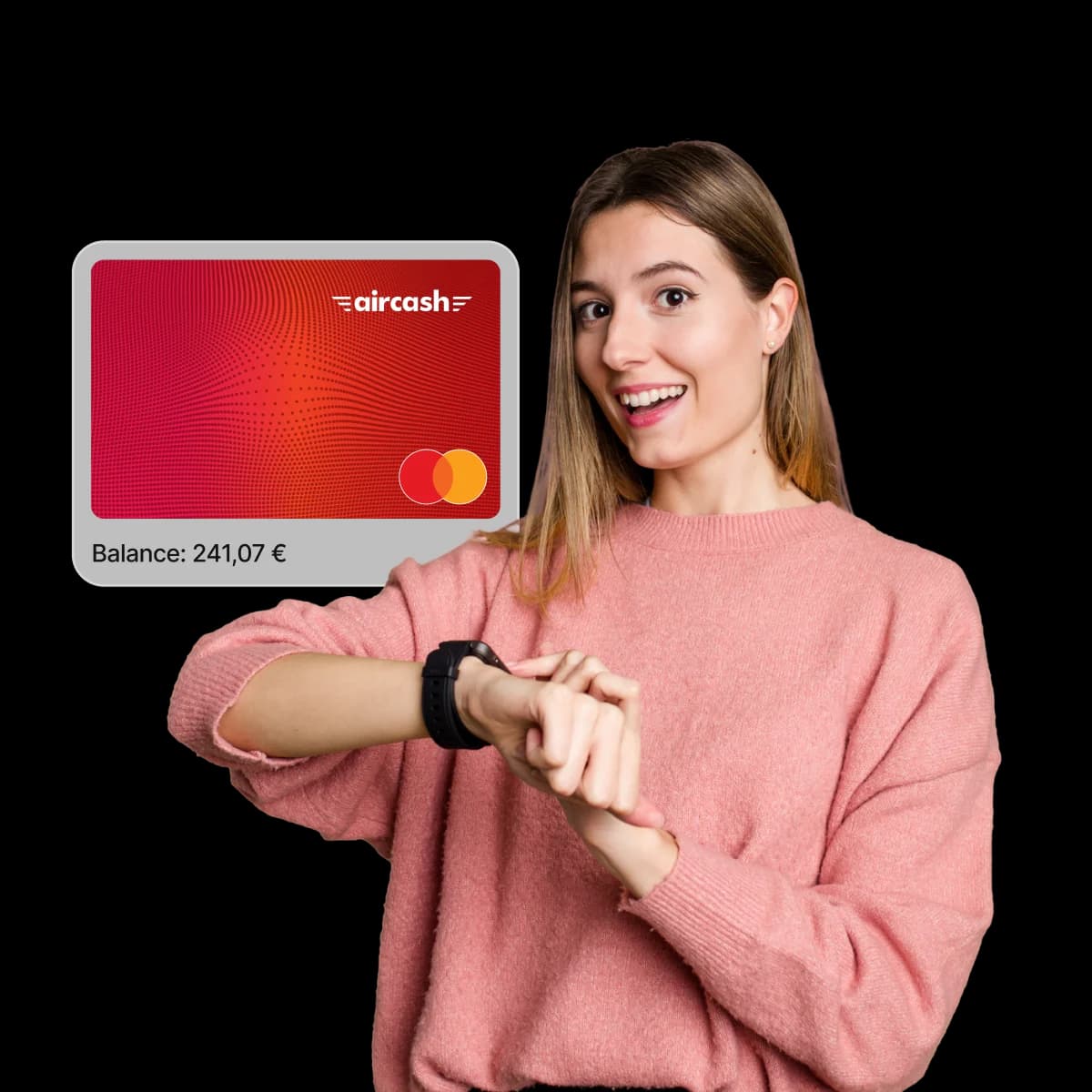
Introducing new digital wallets
Pay safely and quickly with your Aircash Mastercard® – now supported in even more digital wallets!
Leave your wallet behind – add your Aircash Mastercard to new digital wallets and enjoy effortless contactless payments wherever you go.
Garmin Pay, Xiaomi Pay, Amazfit, Samsung Pay, Swatch Pay, LAKS, Pagopace, Tapster, Twinn, Rosan Pay, Timex, and Liu Jo are the latest digital wallets and wearable devices compatible with your Aircash Mastercard.
Fast
Fast transactions, anytime, anywhere.
Enjoy a quick, effortless checkout – no need to enter details, remember PINs, or search for your card.
Simple
Easy payments for an easier life.
Life can be complicated, but payments don’t have to be. Adding an Aircash Mastercard card is an easy solution. Whether you’re shopping online or in-store, all it takes is a few taps. Experience the simplicity of every transaction.
Secure
No compromises when it comes to security.
When it comes to security, there can be no compromises. Apple Pay and Aircash Mastercard keep your transactions protected. Your card details stay private, replaced with a unique virtual account number that represents your information. Discover a world of secure payments – without compromise.
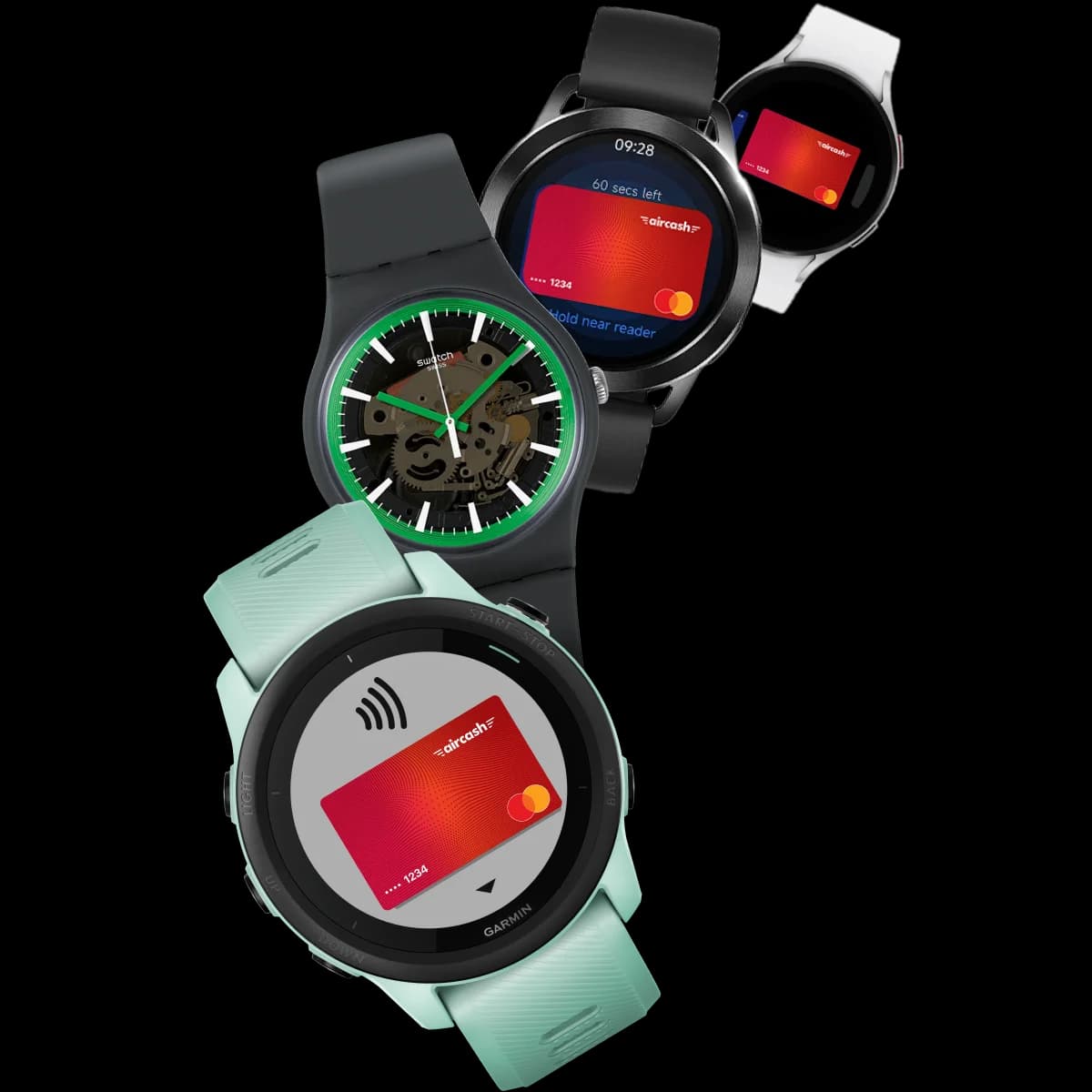
How can I add my Aircash Mastercard to a digital wallet?
Step 1 – Select and open your digital wallet app.
Choose which wallet you’d like to use – for example, Garmin Pay, Xiaomi Pay, Amazfit, Samsung Pay – and open the corresponding app on your device.
Step 2 – Find Add card
Look for the option labelled Add card, Add payment method, or similar – usually found at the top or bottom of the screen.
Step 3 – Enter your card details and verify
You can use your device's camera to scan the card and auto-fill the details, or enter them manually – card number, expiry date, CVV, and cardholder name.
You will need to verify the card using a one-time code (OTP) sent to you by SMS.
Step 4 – Finish and activate
Once verified, your card will be added to your digital wallet and ready to use for contactless payments.