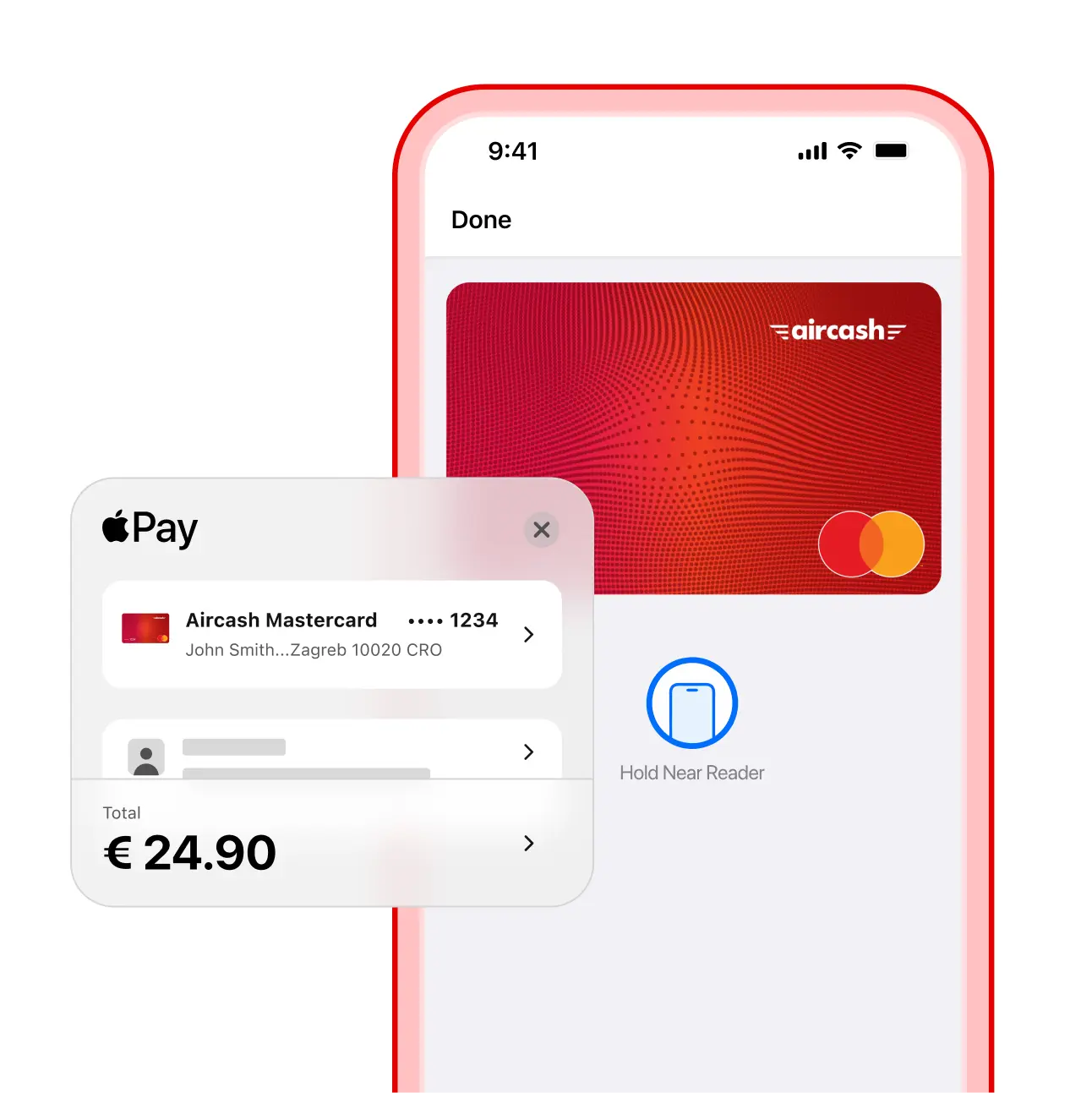
Introducing Apple Pay
Secure and fast payments with your Aircash Mastercard® using Apple Pay.
Adding your Aircash Mastercard couldn’t be easier.
Open the Aircash app on your iPhone and, after just a few taps, start paying with your Aircash Mastercard using Apple Pay.
Fast
Fast transactions, anytime, anywhere.
Enjoy a quick, effortless checkout – no need to enter details, remember PINs, or search for your card.
Simple
Easy payments for an easier life.
Life can be complicated, but payments don’t have to be. Adding an Aircash Mastercard card is an easy solution. Whether you’re shopping online or in-store, all it takes is a few taps. Experience the simplicity of every transaction.
Secure
No compromises when it comes to security.
When it comes to security, there can be no compromises. Apple Pay and Aircash Mastercard keep your transactions protected. Your card details stay private, replaced with a unique virtual account number that represents your information. Discover a world of secure payments – without compromise.

How to add your Aircash Mastercard to Apple Pay?
Pasul 1
Pe ecranul principal, selectează Carduri în colțul din stânga jos.
Pasul 2
Găsește cardul Aircash și atinge Adaugă la Portofelul Apple.
Pasul 3
Urmează instrucțiunile din aplicația Portofel Apple și adaugă cardul Aircash la Apple Pay. Începe să utilizezi Aircash și bucură-te de plăți contactless direct de pe telefon.