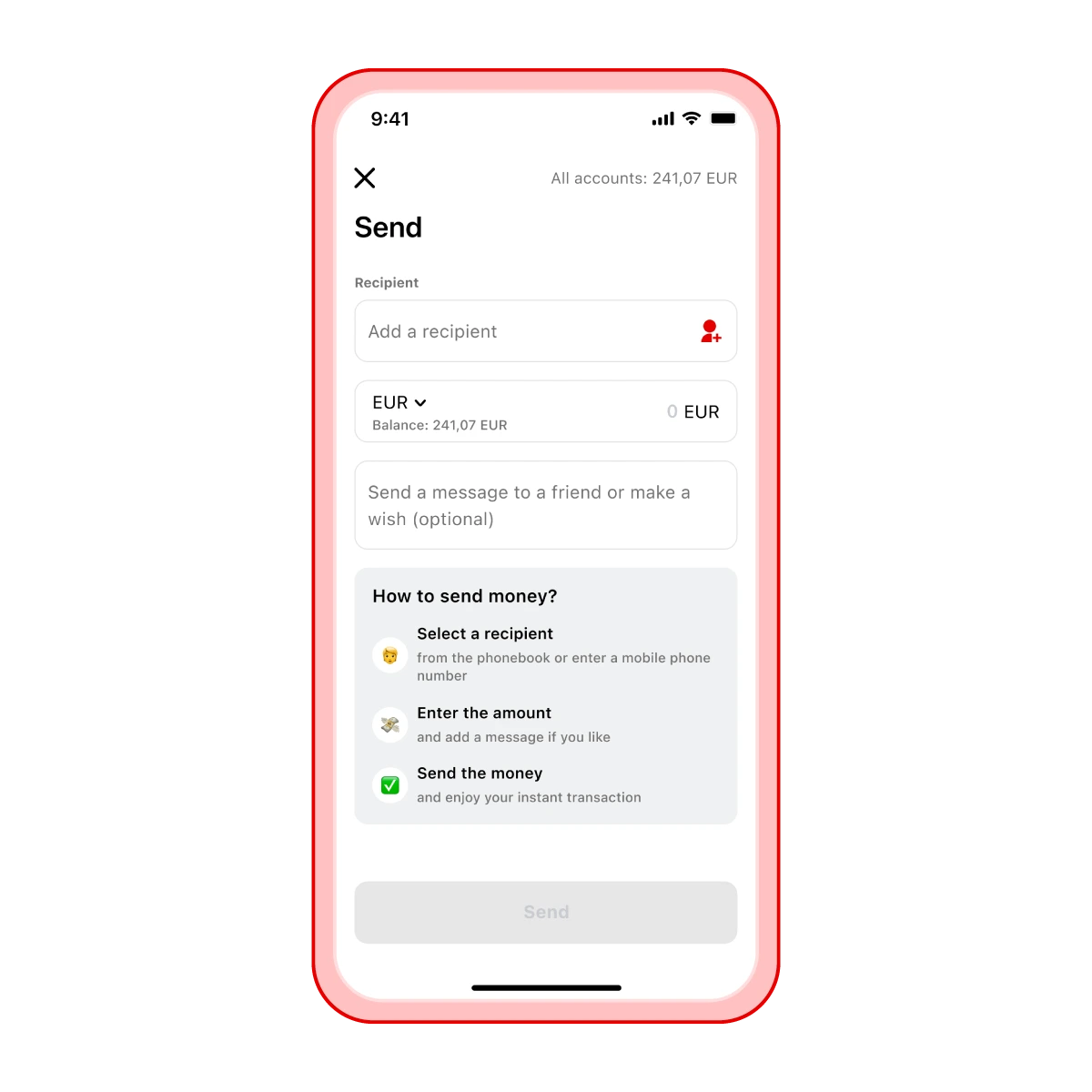
For the sender to send you money via your phone number, make sure they know the mobile number you used to register in the Aircash app
On their home screen, the sender needs to select Send, choose your phone number, enter the amount, and confirm the transaction
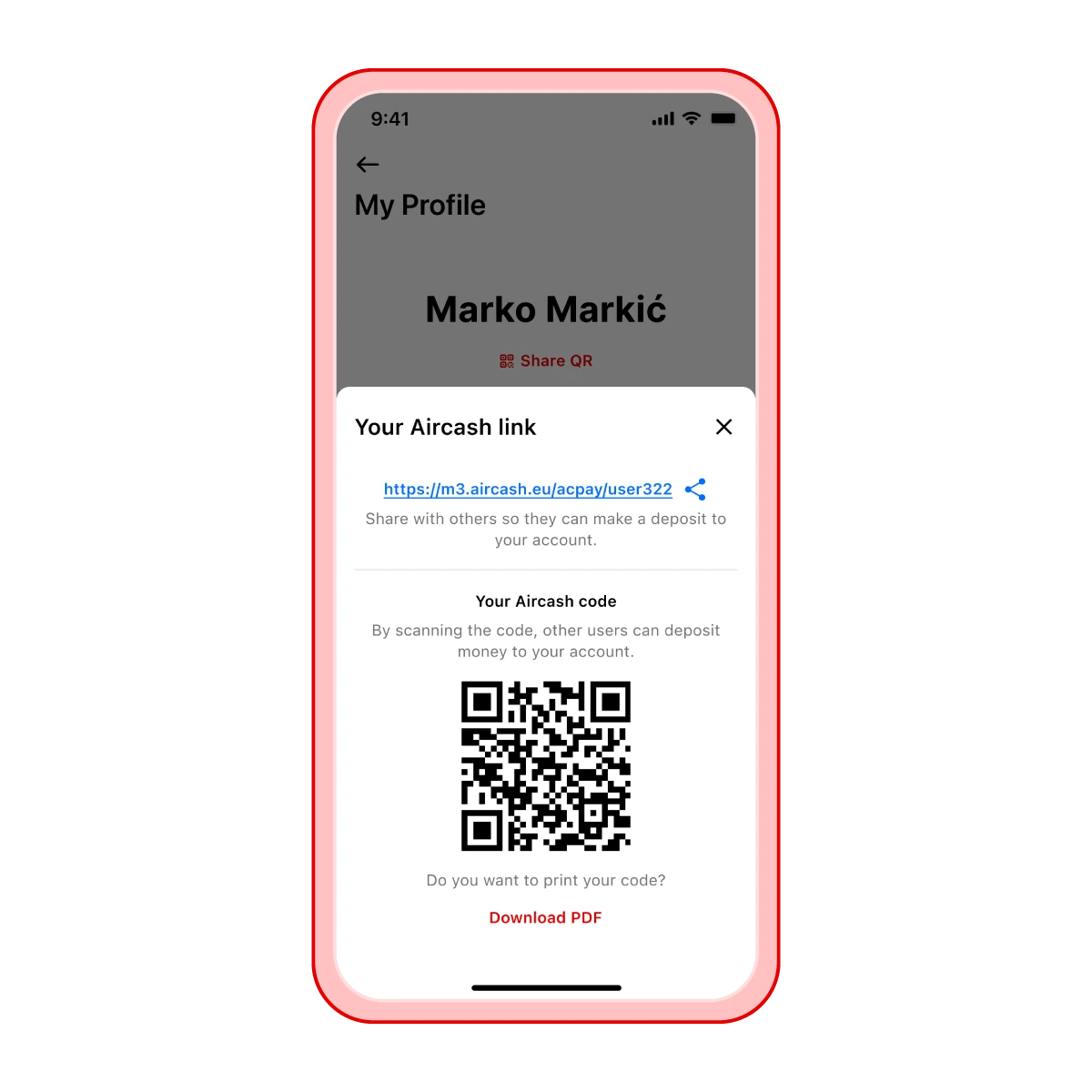
For the sender to send you money via a QR code, you need to share your QR code with them
You can find your QR code for receiving money in your profile settings by tapping Share QR
The sender scans your QR code in the Aircash app using the Scan&Pay option, enters the amount, and confirms the transaction
Once the sender confirms the transfer, the money will be instantly available in your Aircash account