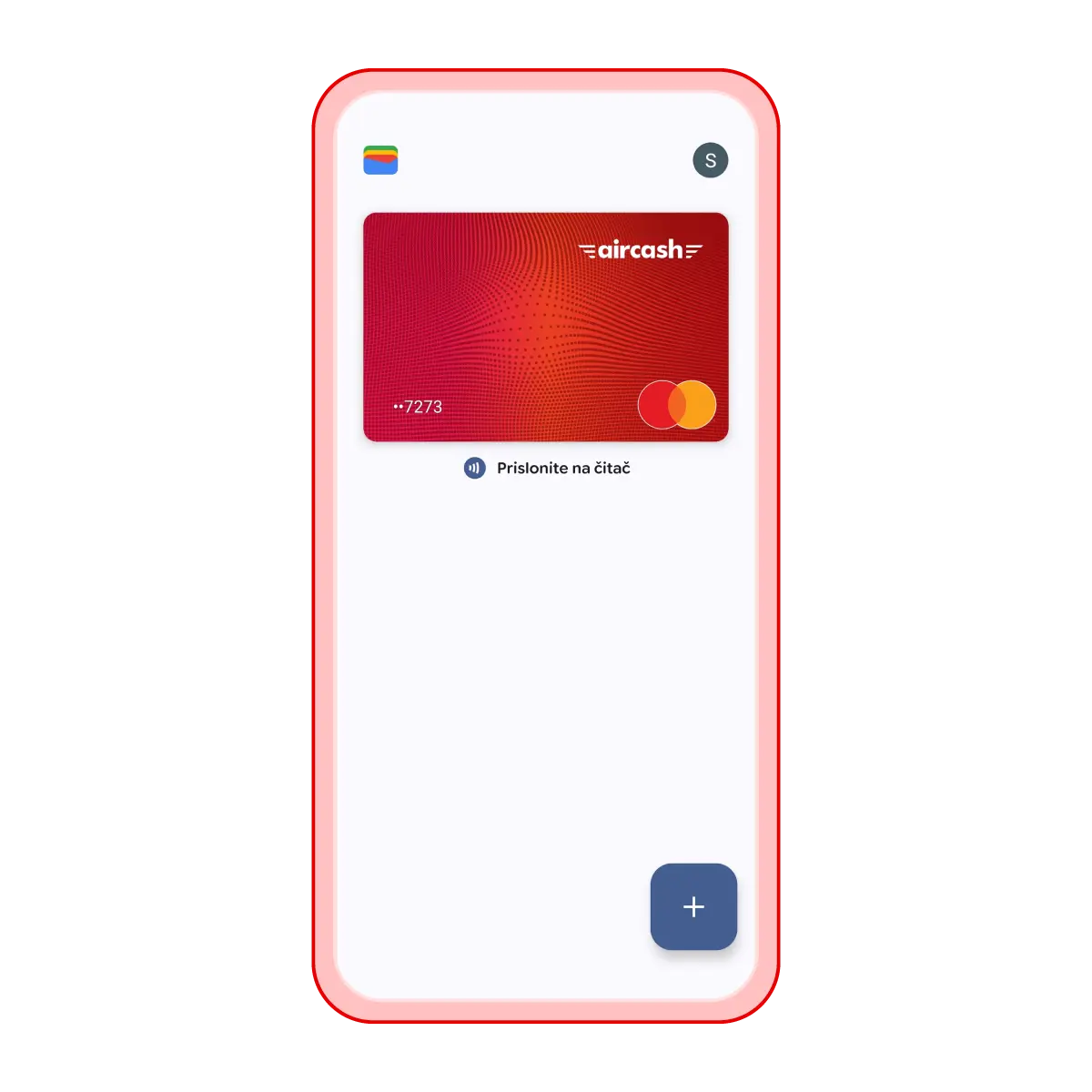
Activation in the Google Wallet app
Open the Google Wallet app
Tap „Add card“
Scan or enter your Aircash Mastercard details
Verify the card using the SMS code
Your card will be added to Google Wallet and ready to use
Aktivacija u Google Wallet aplikaciji:
Otvori aplikaciju Google Wallet
Klikni na „Dodaj karticu“
Skeniraj ili unesi podatke s Aircash Mastercard kartice
Verificiraj karticu putem SMS koda
Kartica će biti dodana u Google Wallet i spremna za korištenje