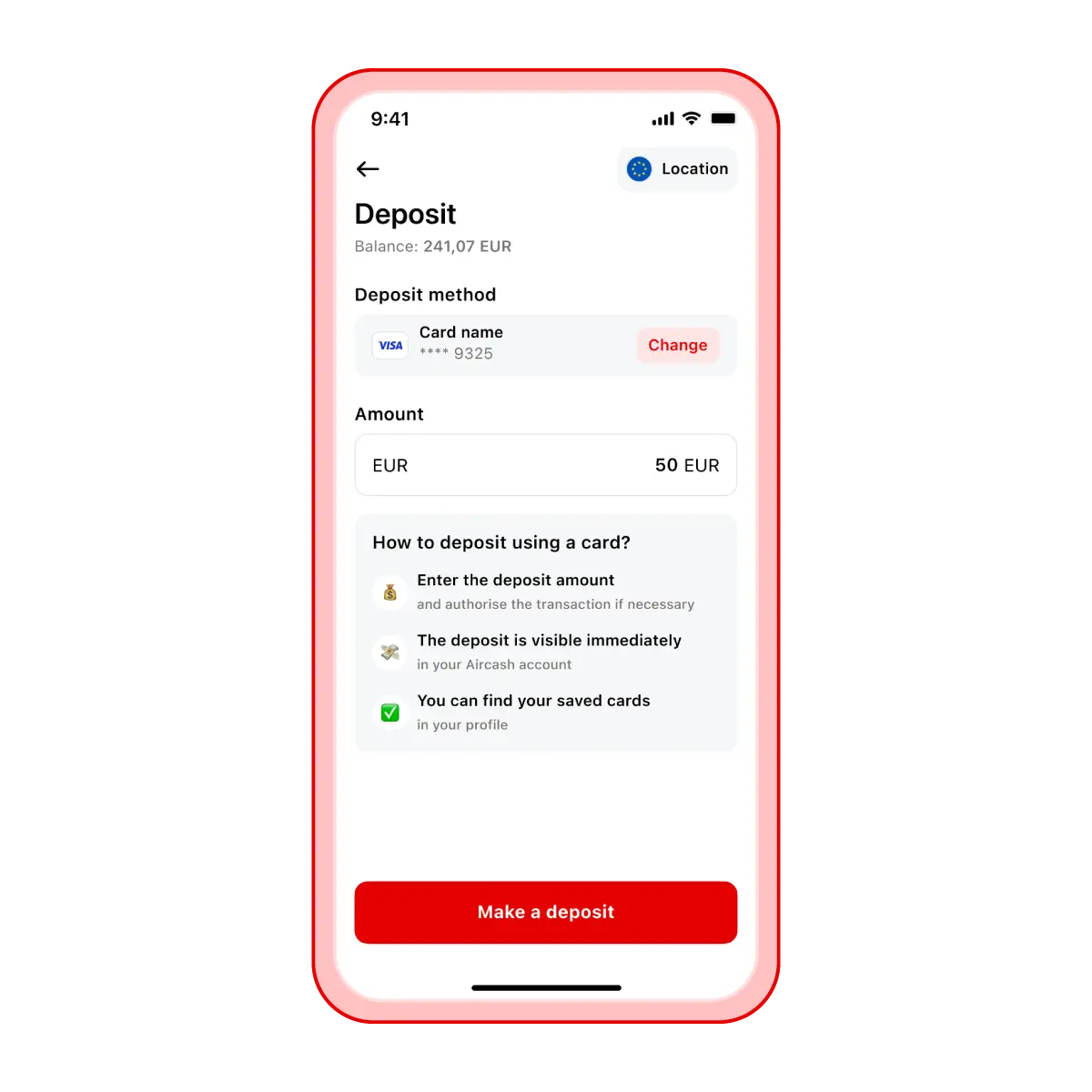
Top up via bank card
Supported cards: Visa, Mastercard, Maestro, Diners, JCB, Discover
Steps to top up by card:
Open the Aircash app and select Deposit.
Tap Card.
Enter the amount you want to top up.
If you haven’t added a card yet, tap Add card and enter your details.
Authorise the transaction with 3D Secure if required.
The money will be available instantly in your Aircash app.
Please note: If you’ve already added a card, it will remain saved for future top-ups.
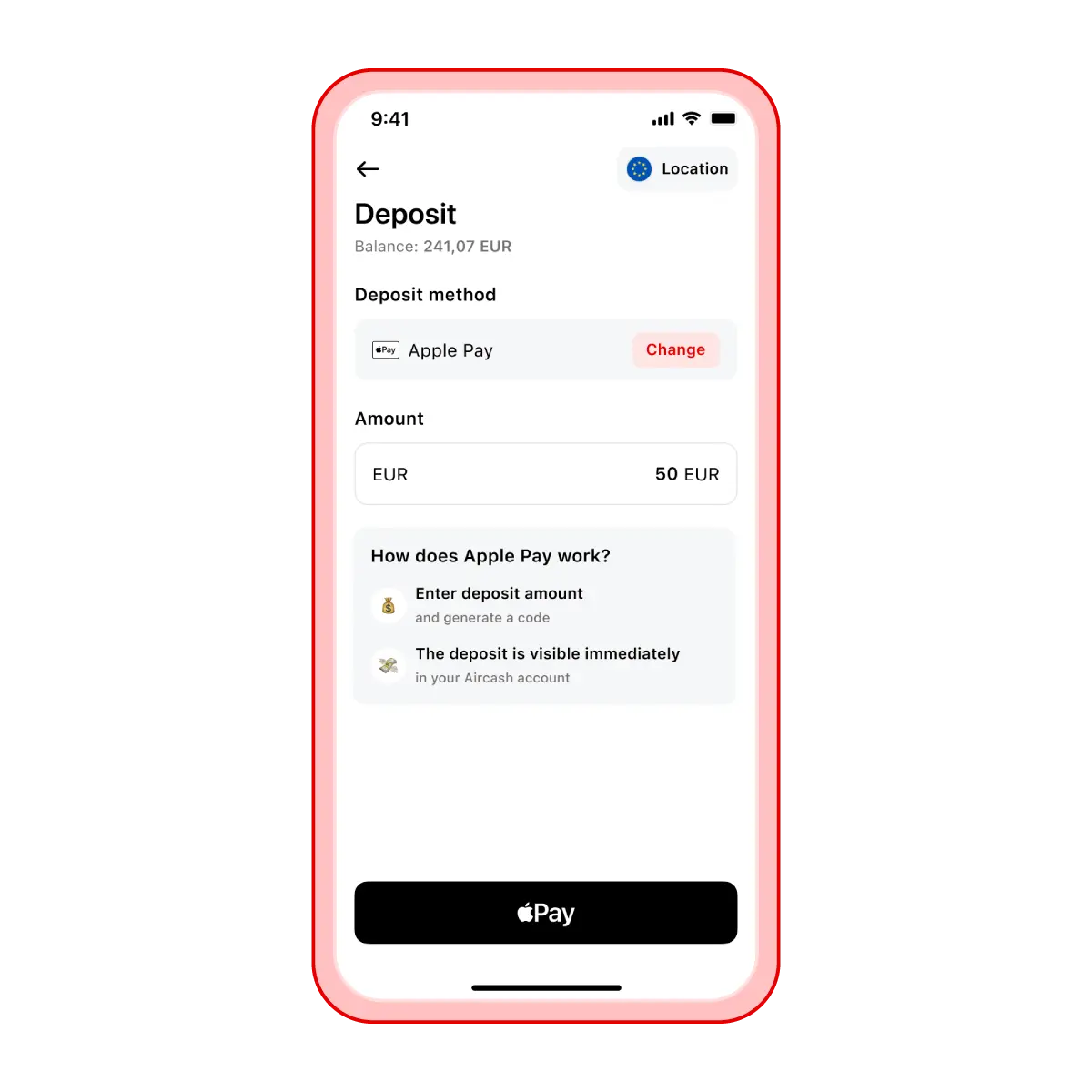
Top up via Apple Pay
If you have Apple Pay activated on your iPhone, you can add money to your Aircash account with a single tap.
Steps to top up:
Open the Aircash app and select Deposit.
Tap Apple Pay.
Enter the amount you want to top up.
Confirm the transaction.
The money will be available instantly in your Aircash app.
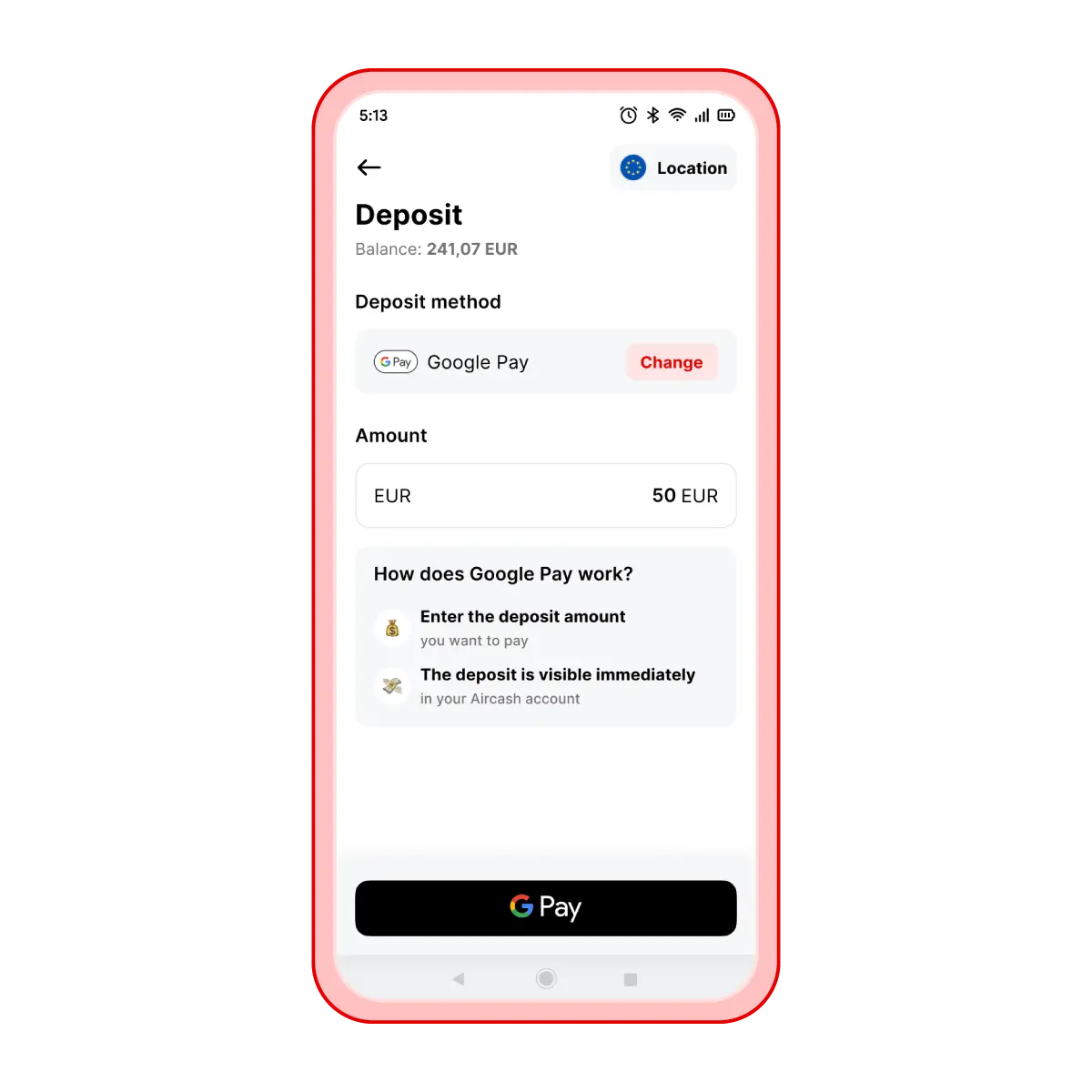
Top up via Google Pay
If you have Google Pay activated on your phone, you can add money to your Aircash account with a single tap.
Steps to top up:
Open the Aircash app and select Deposit.
Tap Google Pay.
Enter the amount you want to top up.
Confirm the transaction.
The money will be available instantly in your Aircash app.