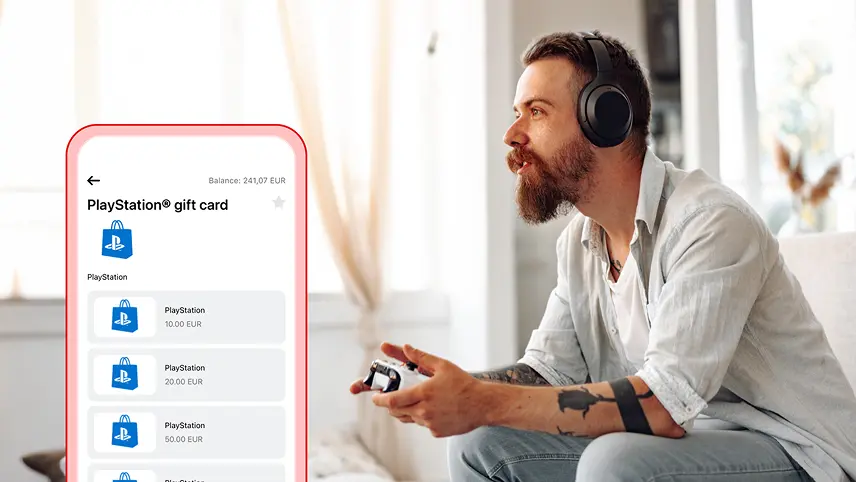
With PlayStation® gift cards, I can buy games, add-ons, and subscriptions directly from my profile. I receive a code immediately after purchase and use it to top up my account or activate memberships like PlayStation® Plus. Everything I need is right in my Aircash app.
No fees, available instantly
I can buy my PlayStation gift card using funds from my Aircash account. If my Aircash balance is low, I can top it up with a card, Google Pay, or Apple Pay, without fees. The purchase takes just a few taps, and the code is ready for use instantly.
More games, more options
PlayStation gift cards are the perfect way to expand my game library, activate PlayStation® Plus, or send someone their favourite digital content. The cards never expire, and the balance can be used anytime.
How to buy a PlayStation gift card
In the app, I open the Marketplace and select PlayStation. I choose the amount and confirm the payment. A code appears on screen and can be used immediately.
How to redeem a PlayStation gift card
To redeem a gift card, I enter the 12-digit code I received after purchase in the PlayStation™Store on my console or online. To activate PlayStation® Plus, I select the desired plan and complete the purchase using the funds from the code.
Gift cards can only be redeemed on PlayStation® accounts registered with a Hungarian address.