Activation in the Aircash app
Open the Aircash app
Tap „Aircash Mastercard“
Select the „Add to Apple Wallet“
Follow the on-screen instructions
Confirm the addition using Face ID, Touch ID, or your passcode
Your card will be added to Apple Wallet and ready to use
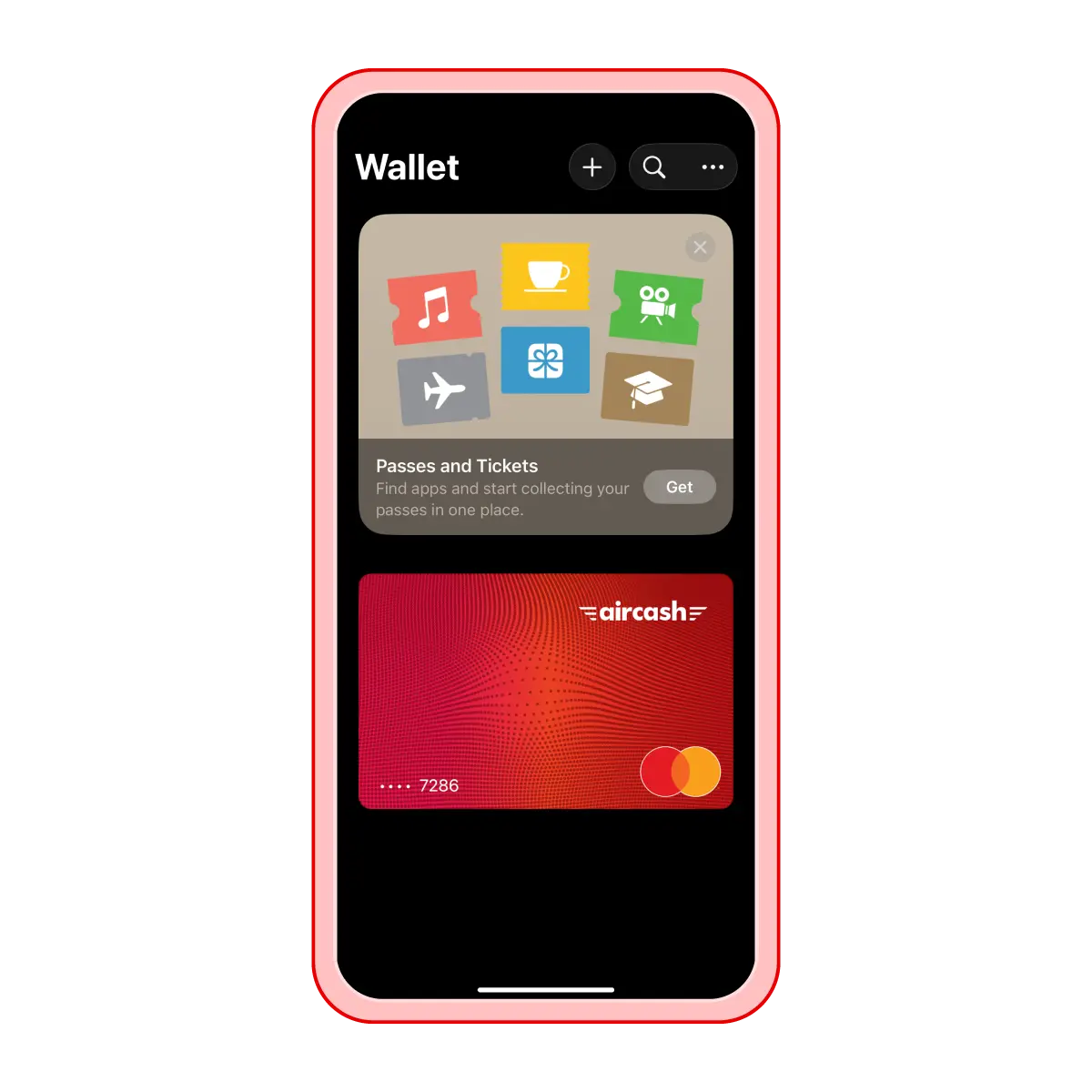
Activation in the Apple Wallet app
Open the Wallet app on your iPhone
Tap + and select „Debit or Credit card“
Scan your Aircash Mastercard or enter the card details manually
Verify the card using the SMS code
Your card will be added to Apple Wallet and ready to use