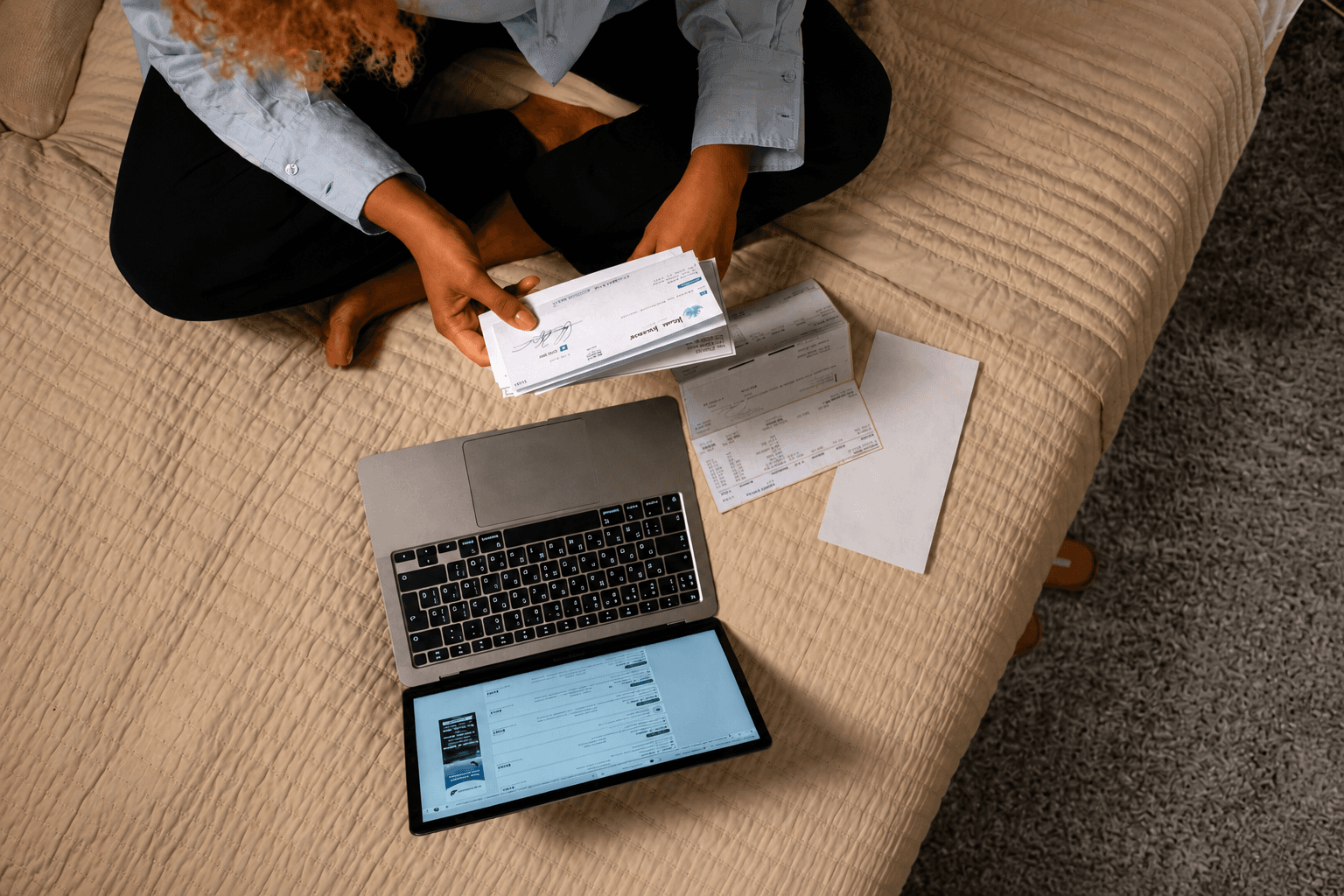
How It Works
The new bill payment feature is designed with simplicity in mind. All you need to do is open the Aircash app, click “Scan &Pay”, and scan the QR code printed on your bill. The app instantly reads all the relevant payment details, the amount due, the recipient, and the reference number, so there's no manual data entry, no risk of making an error, and no wasted time.
Once the information is confirmed, the payment is processed immediately. The entire process takes just a few clicks.
No Fees Ever
One of the standout aspects of this feature is the pricing: there are no fees whatsoever. Whether you're paying your electricity bill, water services, internet, or any other utility, Aircash does not charge you anything extra for the transaction. What you owe is exactly what you pay - nothing more.
This makes Aircash a genuinely cost-effective alternative to traditional payment methods, where fees at payment terminals or through certain banking services can quietly add up over time.
Why This Matters for Slovak Users
For users in Slovakia, this feature addresses a real everyday need. Utility bills, and other recurring payments are a routine part of managing a household and having a single, reliable place to handle them all, without additional costs, is a meaningful convenience.
With Aircash, there's no need to visit a payment terminal, log in to multiple banking portals, or worry about transaction fees eating into your budget. Your smartphone becomes your payment desk.
If you're not yet using Aircash, download the app and create your account in just a few minutes. If you're already a user, the bill payment feature is available directly in the app. Simply look for the payment or bills section and try it the next time an invoice lands in your mailbox.
 September 1, 2026With Aircash, there’s no need to wait until your holiday is over - you can take care of your bills and other obligations wherever you are.
 August 25, 2026Slovenia beyond the postcard: a journey that only begins after Bled
 August 18, 2026Bills don't go on holiday, but you can
 August 4, 2026Stress-free ferry: why more travellers are buying tickets in advance
 July 29, 2026Ferry and bus wait for no one, getting a ticket shouldn't slow you down
 July 28, 2026Croatian highways in summer: a little trick that saves hours of waiting
 July 21, 2026Parking during summer in Croatia? A challenge almost every driver faces
 May 6, 2025Romania’s Most Expensive Independent Film Didn’t Rely on CGI
 May 6, 2025The Story of How PlayStation Became the Icon It Is Today
 May 6, 2025How Roblox Became the Digital Playground for a New Generation