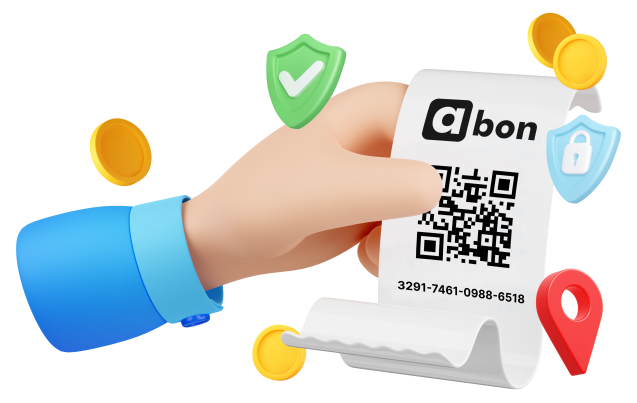
How to top-up with Abon?
Follow the simple steps below.

Go to the nearest Point of Sale
Find your closest Point of Sale. With over 200,000 locations across Europe, you are never far from an Abon provider.

Buy Aircash Abon
Ask the cashier for an Aircash Abon in your desired amount. Choose from 5€, 10€, 20€, 25€, or 50€.

Open Aircash app
If you don’t have the app yet, download it here. For a step-by-step guide on how to register and verify your account, click here.
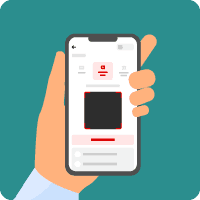
Open “Deposit” screen
On the main screen tap on “Deposit” and choose the “Aircash Abon” option to proceed with your top-up.
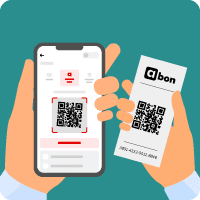
Scan the QR code
Scan the QR code from paper voucher using the app, or if you prefer, manually enter the 16-digit code found on the voucher.
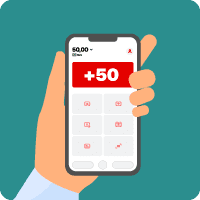
Your money is in your account
Congratulations! You have successfully topped up your Aircash account. Now, you can spend your money online!