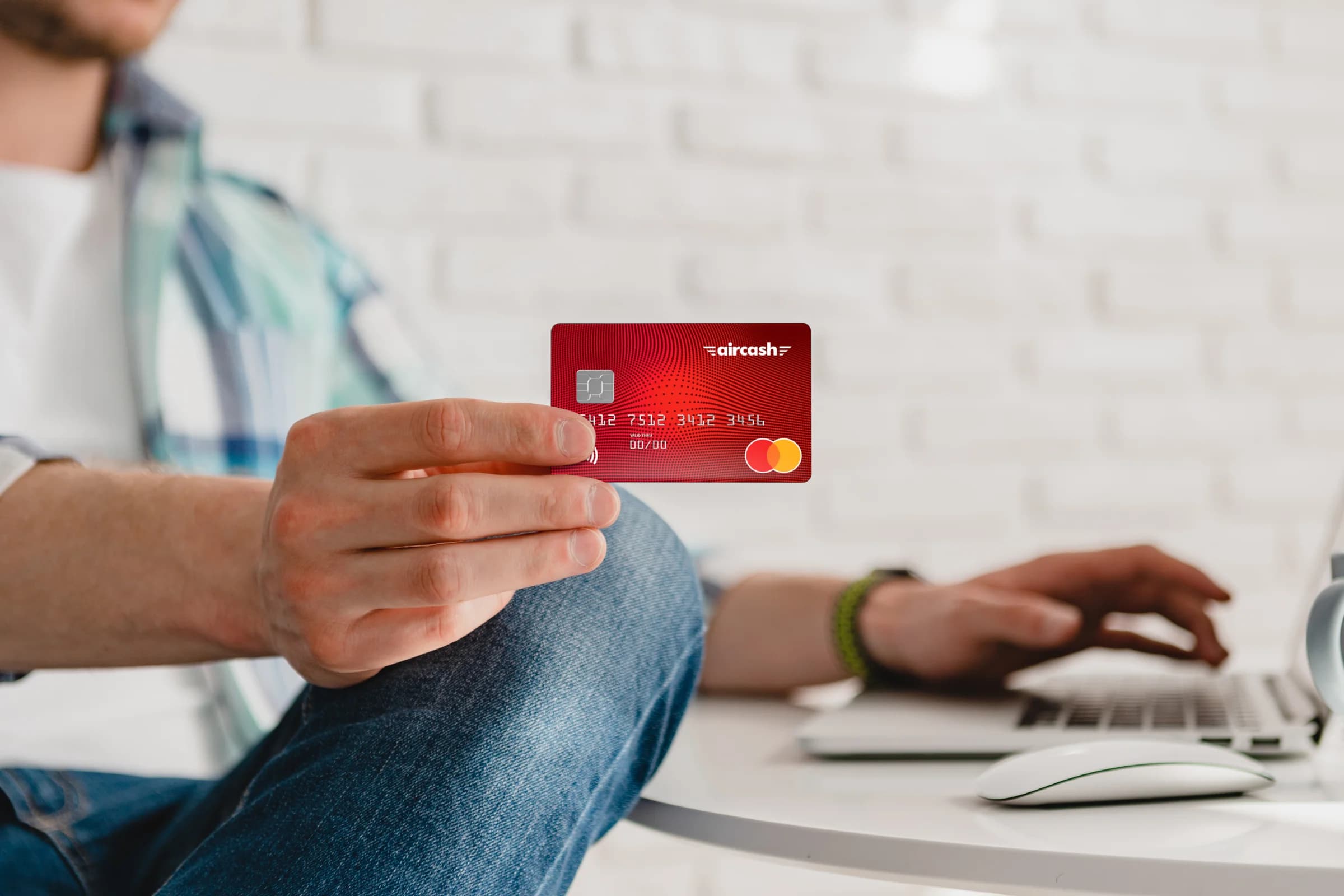
You can buy the Aircash Mastercard prepaid card almost anywhere, activate it in just a few clicks, manage it through the app, and use it anywhere. Aircash Mastercard is the safest card for your payments.
Below are answers to the most frequently asked questions about the Aircash Mastercard prepaid card.
How can I top up the card?
Quickly and easily! The Aircash wallet is linked to the Aircash Mastercard card, which means you can’t use the card without the Aircash wallet.
The money you have in your Wallet is immediately available on your Aircash card after activating the card by scanning the QR code.
You can top up your wallet:
at thousands of Aircash partner retail locations,
via other cards,
via bank transfer,
via Google Pay or Apple Pay.
If you top up at a retail location, enter the amount you wish to add in the Aircash app, show the generated code to the staff, and pay in cash—the money will instantly appear in your Aircash wallet and on your card.
One of the biggest advantages of the Aircash Mastercard card is the ability to top up from any country in the world in just a few clicks, and the money is immediately available on your Aircash wallet and Aircash Mastercard card. Also, parents, relatives, and friends can top up your card at any time, and the funds are instantly available.
Where can I use the Aircash card?
You can use the Aircash Mastercard prepaid card for online shopping, payments in stores, and cash withdrawals at ATMs worldwide. As the saying goes: “With Mastercard, the whole world is yours.”
Is it possible to pay in installments or go into overdraft with the card?
The Aircash Mastercard card is a prepaid card, which means you cannot pay in installments or go into overdraft. You can only spend the amount you have in your Aircash wallet.
Why can’t I activate the card even though I have the app installed?
The Aircash Mastercard card is intended exclusively for adults. If you are of legal age and still have trouble activating the card, feel free to contact our customer support.
Which PIN do I use when paying in stores or withdrawing cash at an ATM?
The card PIN is often confused with the app access PIN, but these are two different PINs.
To check the PIN for your Aircash Mastercard card:
In the app, click on “Aircash Mastercard,”
Select the card for which you want to view the PIN, limits, and transactions.
The PIN displayed with the card is used for payments in stores and cash withdrawals at ATMs, while the app PIN is used only to access the Aircash app.
For any additional questions, advice, or help regarding the Aircash app or the Aircash Mastercard card, our customer support is available at [email protected] or by phone at +385 1 457 3537. Feel free to contact us!
 August 25, 2026Slovenia beyond the postcard: a journey that only begins after Bled
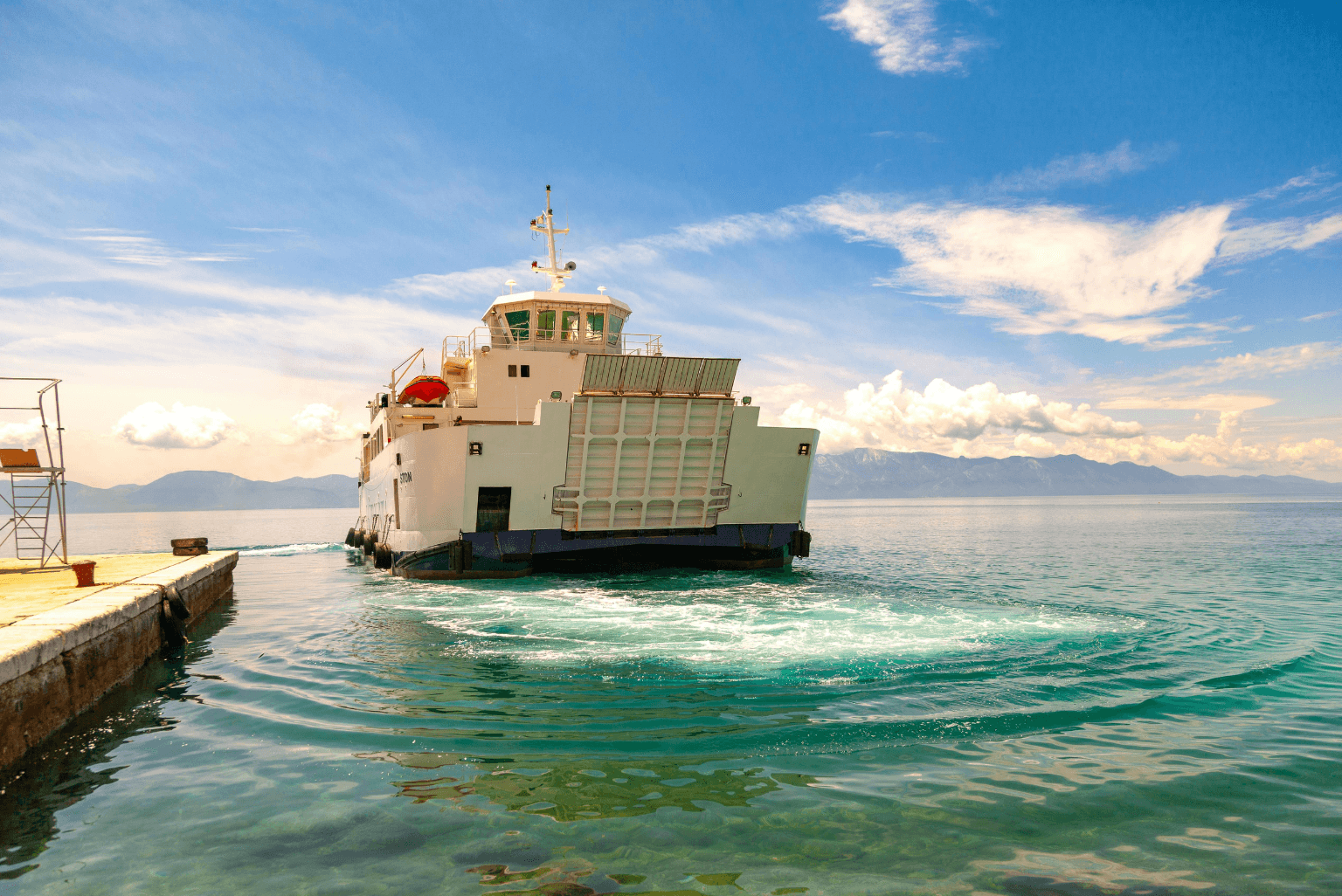 August 4, 2026Stress-free ferry: why more travellers are buying tickets in advance
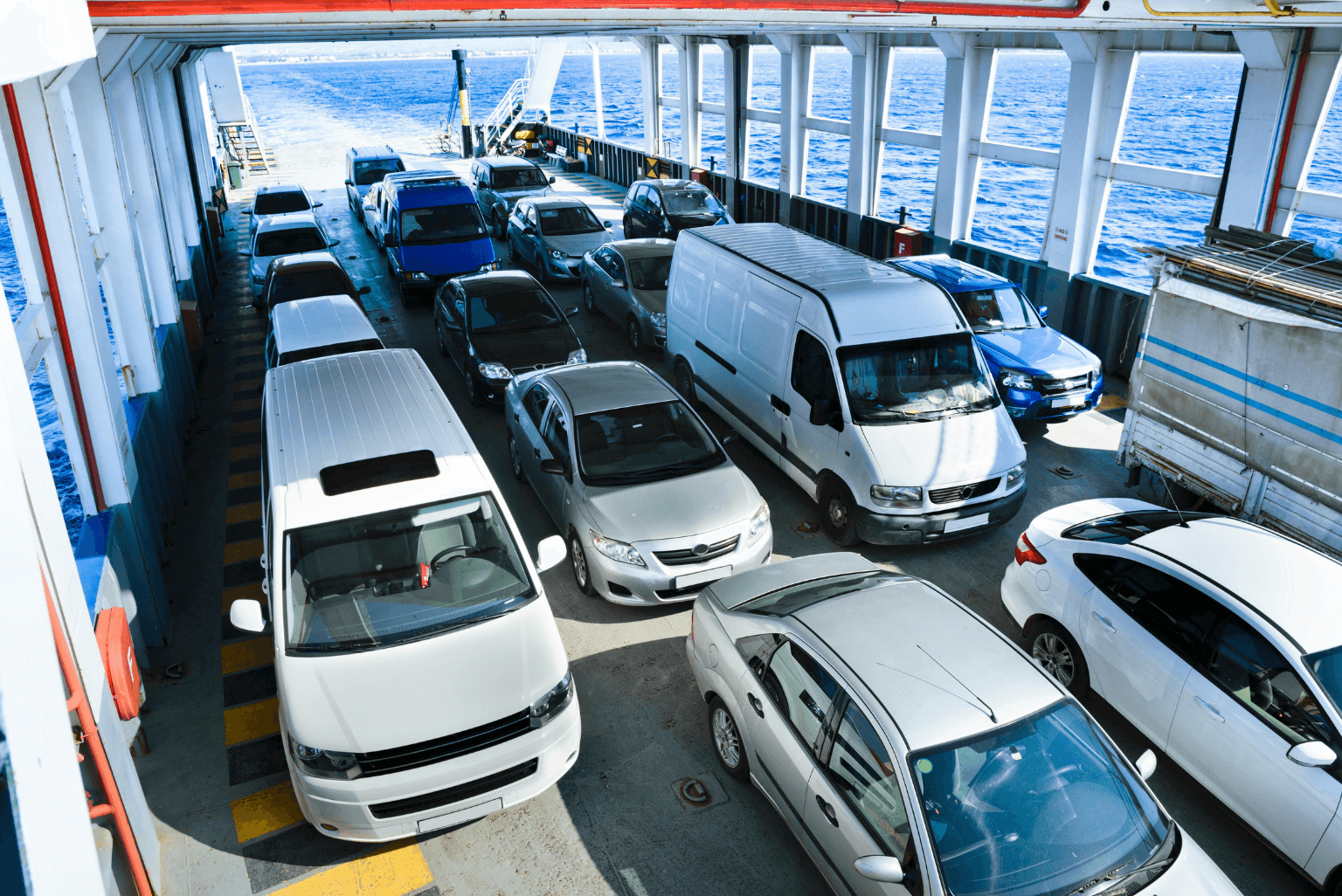 July 29, 2026Ferry and bus wait for no one, getting a ticket shouldn't slow you down
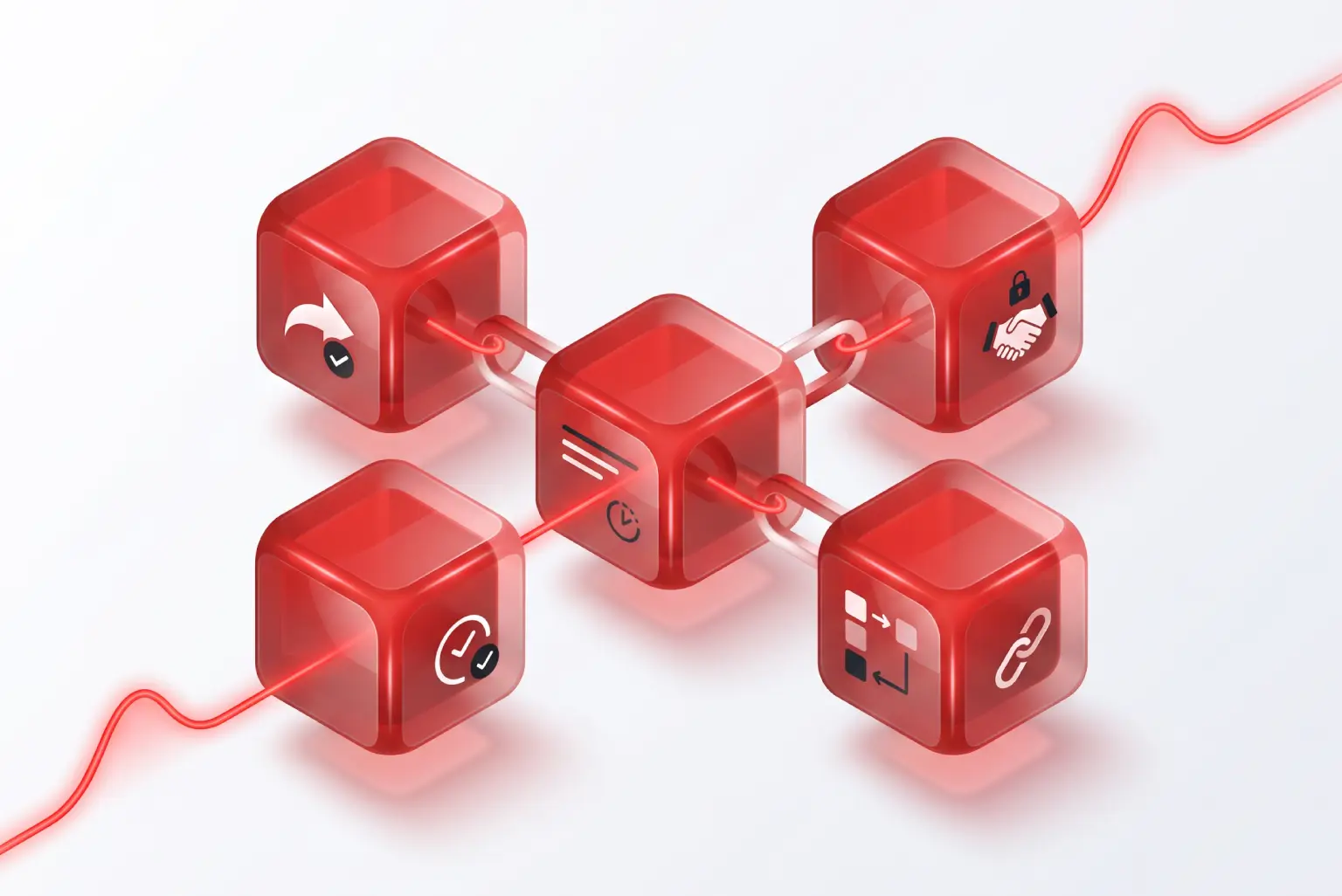 July 28, 2026What Is Blockchain? The Technology Behind Crypto Explained
 July 28, 2026Croatian highways in summer: a little trick that saves hours of waiting
 July 21, 2026Parking during summer in Croatia? A challenge almost every driver faces
 May 26, 2026Where to Go in Croatia for a Summer Vacation If You’re Not a Fan of the Sea
 May 26, 20265 Tips to Save Time and Money While Traveling
 May 18, 2026Why More and More People Are Paying Their Bills Through Aircash
 May 13, 2026Romania’s Most Expensive Independent Film Didn’t Rely on CGI